// Windows build numbers, in plain English
Read Windows versions at a glance in Intune.
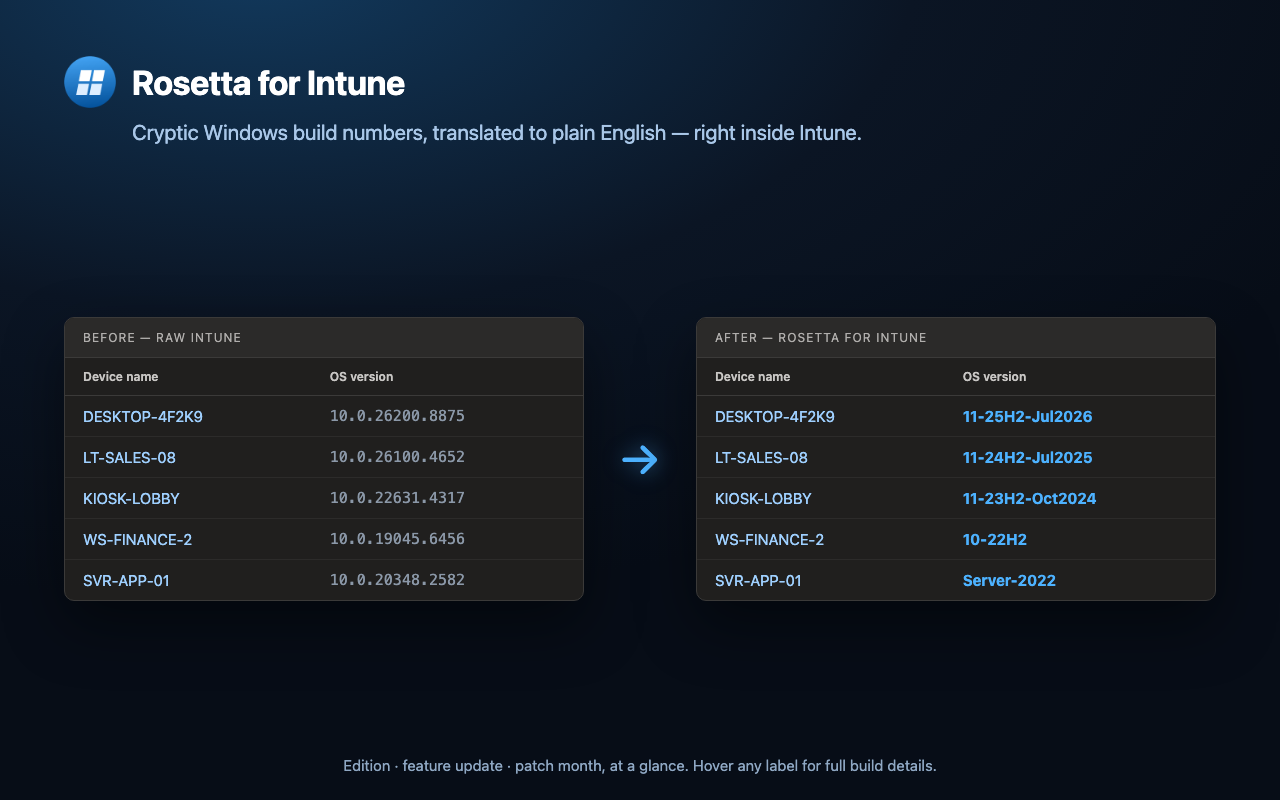
Rosetta for Intune translates the cryptic OS build numbers in the Microsoft Intune admin center — like 10.0.26200.8875 — into clear labels like 11-25H2-Jul2026, right in the console.
// features
Built for Intune admins.
Stop cross-referencing build numbers against release tables. Rosetta does it inline, everywhere Intune shows an OS version.
Instant translation
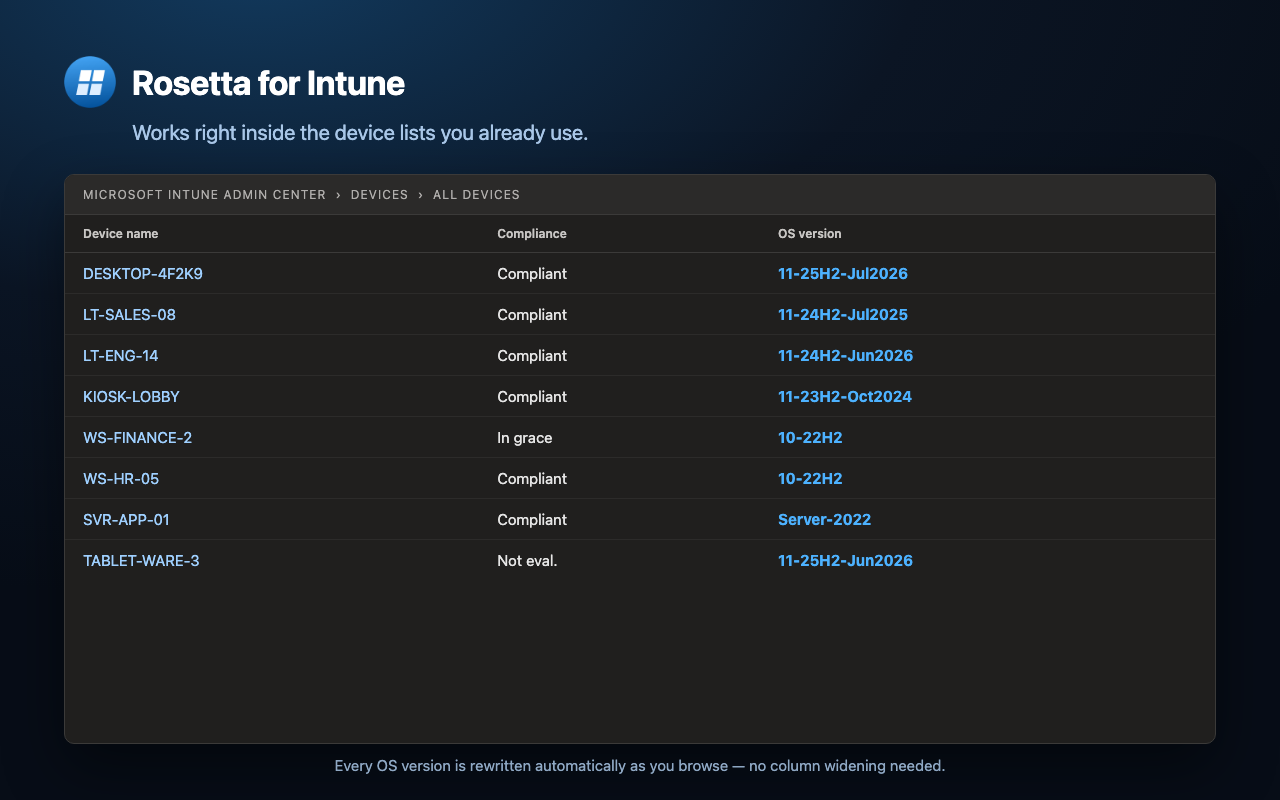
Every OS build number is rewritten inline as you browse — device lists, device details, and reports.
Edition · version · patch month
One compact label — 11-25H2-Jul2026 — tells you the edition, feature update, and the month it was last patched.
Hover for the full story
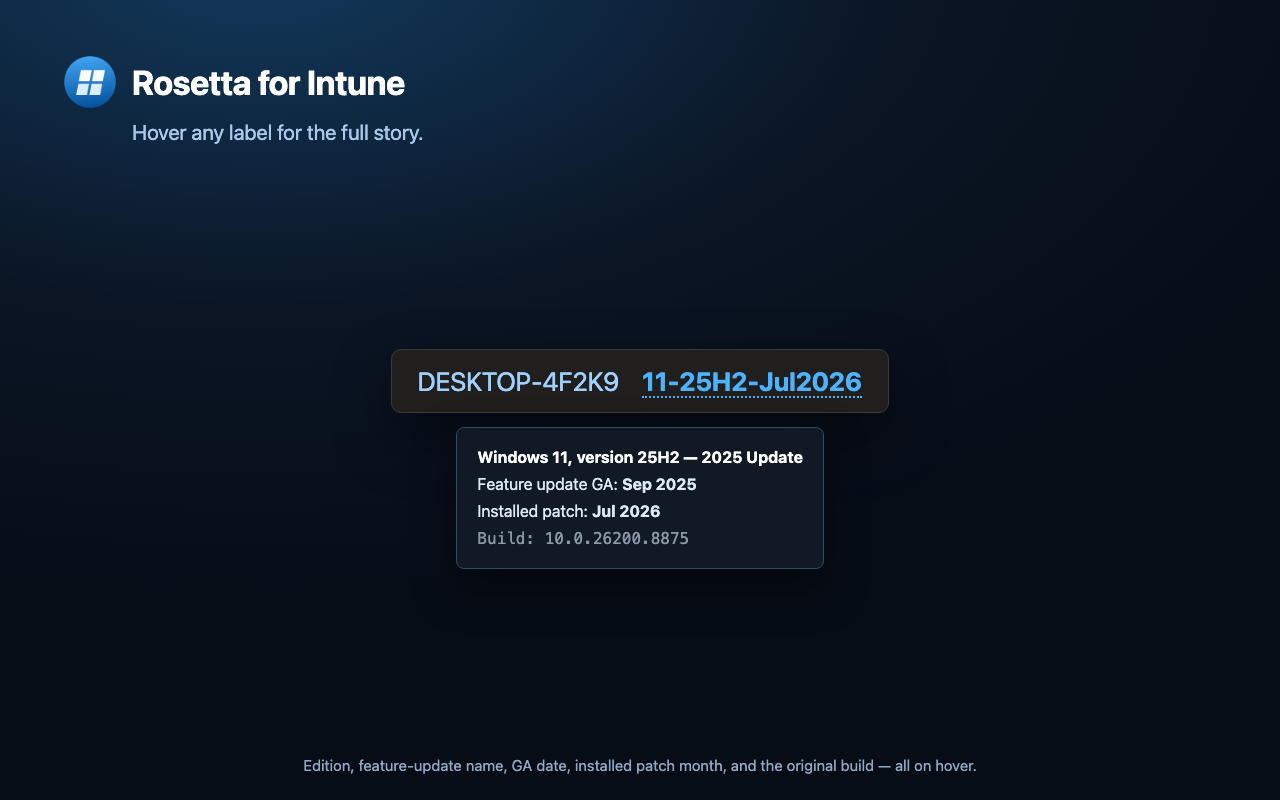
Hover any label to reveal the feature-update name, GA date, installed patch month, and the original build.
Always current
The build database refreshes automatically from Microsoft's public release-health pages, so new Windows builds and patch months are recognized without an extension update.
Private by design
No accounts, analytics, or tracking. Translation happens locally; the only request it makes is to Microsoft's public release-health pages to refresh the data.
Configurable
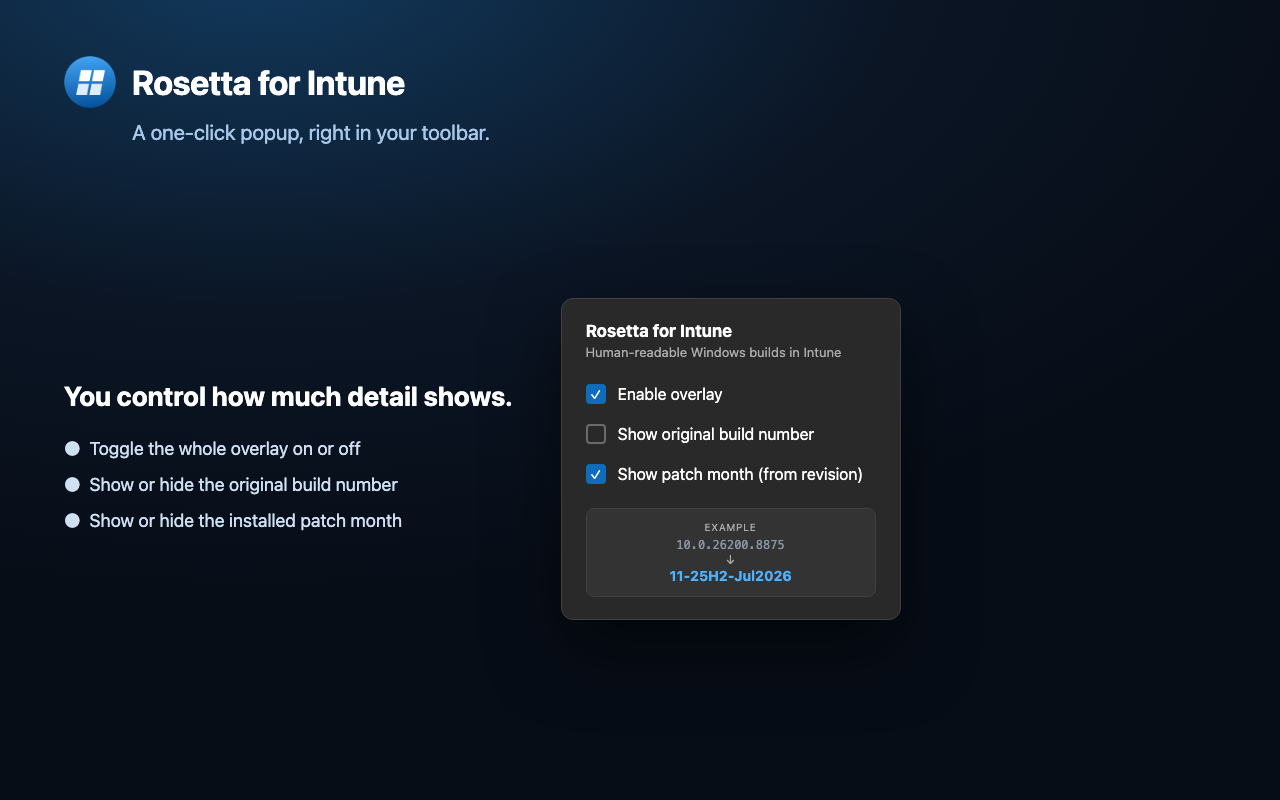
A one-click toolbar popup lets you toggle the overlay, show the original build, or hide the patch month.
// the numbers
What that build number actually means.
Intune reports one opaque string. Rosetta reads all three parts of it for you.
Kernel family
Both Windows 10 and 11 report 10.0, so on its own it tells you almost nothing.
Build → feature update
The build number identifies the release: 26200 is Windows 11 25H2. Rosetta maps every serviced build.
Revision → patch month
The revision pins the cumulative update. 8875 shipped in July 2026 — so the label reads 11-25H2-Jul2026.
// screens
See it in action.
Tap any screen to view it full size.
// support
Help & FAQ.
Quick answers to the most common questions.
Which browsers does Rosetta support? ›
Any Chromium-based browser — Google Chrome and Microsoft Edge. Install it from the Chrome Web Store.
Does Rosetta collect any data? ›
No. There are no accounts, analytics, or trackers, and translation happens locally on your device. The only request it makes is to Microsoft's public release-health pages to refresh the build database — no personal or browsing data is ever sent. See the Privacy Policy for details.
Where does the version data come from, and does it stay current? ›
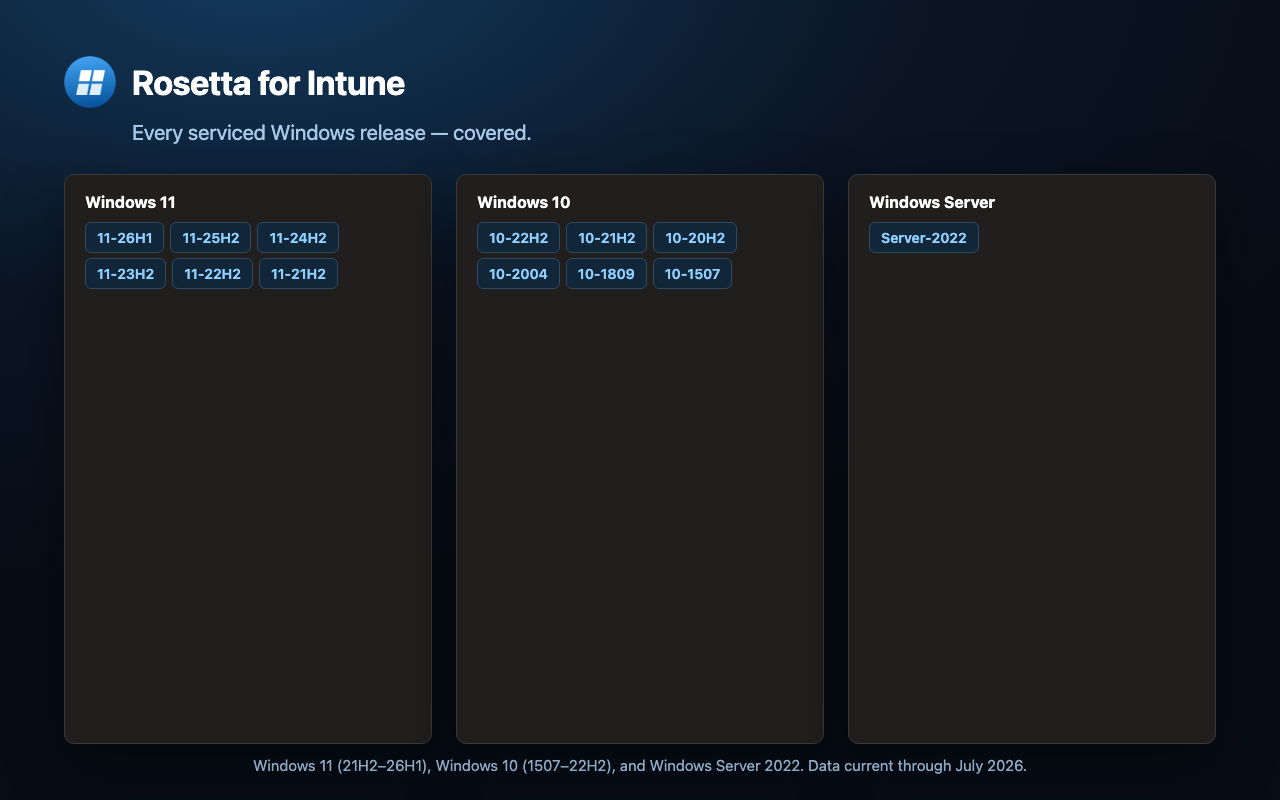
From Microsoft's official Windows release-health pages. A background worker fetches and parses them automatically — on install, daily, and on demand — so new Windows builds and patch months are recognized without an extension update. A bundled snapshot works offline as a fallback. Covers Windows 11 (21H2–26H1), Windows 10 (1507–22H2), and Windows Server 2022.
Why does it need access to the Intune pages? ›
To read and rewrite the visible build-number text. Intune is built on the Azure portal framework and renders its grids inside Microsoft-owned iframes, so the extension runs on intune.microsoft.com and related *.microsoft.com origins. It reads only the version text it translates and nothing else.
A row shows no patch month — why? ›
Patch months come from Microsoft's release-health history, which covers currently-serviced builds. If a device is on a revision that isn't listed there (a very old build, or before the first data refresh), it still gets the correct edition and feature-update label (e.g. 10-22H2) — only the trailing month is omitted.
Is this affiliated with Microsoft? ›
No. Rosetta for Intune is an independent tool and is not affiliated with, endorsed by, or sponsored by Microsoft.
Is Rosetta open source? Can I contribute? ›
Yes — it's MIT-licensed and developed in the open. Browse the source and contribute on GitHub, or log a bug or feature request in the issue tracker.